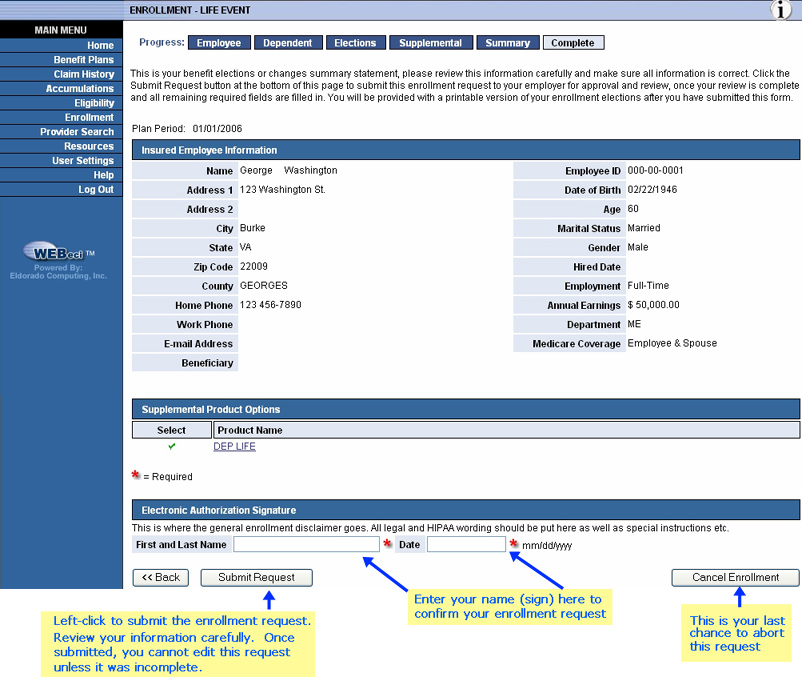
This is the last screen in the series of screens used to complete the enrollment process on-line. The top includes a summary of key enrollment data. You must either "sign" it electronically to authorize the request or sign the coverage waiver (see area highlighted in light blue) near the bottom.
Following submission, the system displays a completed enrollment request confirmation.
Summary & Submission Screen