

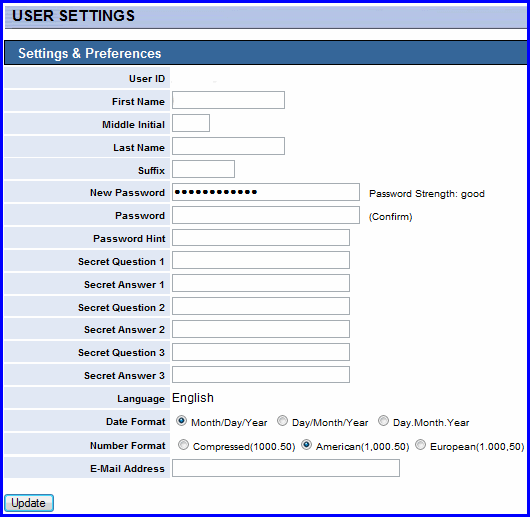
The User Settings section allows you to access your system preferences. System preferences you can define include:
setting new passwords
selecting which language to view your WEBeci in
selecting the date and number formats
updating your e-mail address
Note: Changing your name under preferences will only change the way your name appears while in WEBeci. It WILL NOT change your name with your health plan administrator. You will need to contact your health plan administrator to change your name.