

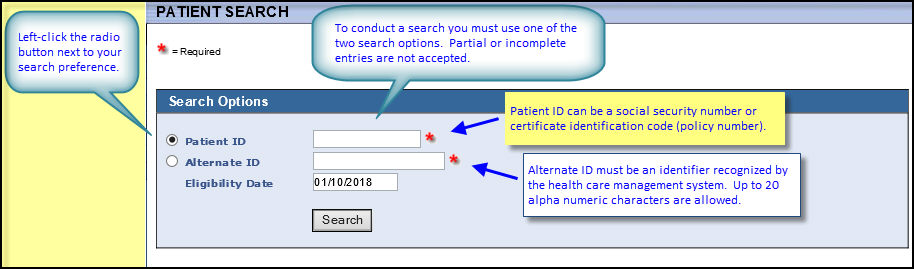
The Patient Search screen lets you access and review patient information. Search for the patient whose file you want to review using either the Member ID or Alternate ID.
Note: Like social security numbers, alternate IDs are unique, patient-specific codes. Unlike social security numbers and other commonly used patient IDs, alternate IDs have no purpose or use other than identifying an individual as part of record management.
If WEBeci identifies multiple patients (family members) sharing the listed ID, it displays a Patient Search screen > Search Results display. Use it to select the desired patient and view a summary description of each listed patient. If your search criterion is an exact match for only one record, WEBeci displays the corresponding Patient Information screen.